
Yes, some TVs can play through their built-in speakers and a soundbar at the same time. Check whether your TV offers a combined output mode that works with your exact soundbar. HDMI ARC or eARC alone does not tell you whether both can play together.
If your TV speakers go quiet when you select the soundbar, that may be normal. If both play but voices sound doubled, start by testing the soundbar on its own. Those two situations need different fixes.
Check the sound output menu, not just the HDMI port
Turn on the soundbar and open your TV’s sound settings. Look for a menu called Sound Output, Sound Out, or something similar. The name depends on your TV. If you see only separate choices for TV Speaker and Audio System, switching between them is not the same as turning both on.
If you see a combined output option, check your TV manual before using it. Note the model numbers of both devices and the connection you use. Some modes work only with certain soundbars or connection types.
If your TV offers a mode for both speakers
Use the combined mode listed for your setup. For example, Samsung’s Q-Symphony support guide lists compatible TVs and soundbars by model year. LG’s WOW Orchestra instructions also specify that both the TV and soundbar must support the feature. Neither feature is a setting you can assume will work with any soundbar.
Once the mode is on, play a scene with one person speaking. Listen from your usual seat, then switch to the soundbar alone and replay the same line. Keep the volume close. Choose the combined mode if you prefer what you hear, not just because it uses more speakers.
If the soundbar works but the TV speakers go quiet
Play a show and confirm the sound is coming from the bar. If it is, the TV is already sending audio where you asked it to go. You do not need to reconnect the cable just to make the TV speakers come back. If you want to use both, check the exact TV manual for a supported combined mode. If the TV offers only one output for your setup, pick the one you prefer.
If neither device plays after you change the output, that is a different problem. Use the soundbar-to-TV connection guide to check the port and input before trying to enable both speakers.
If both play but you hear an echo
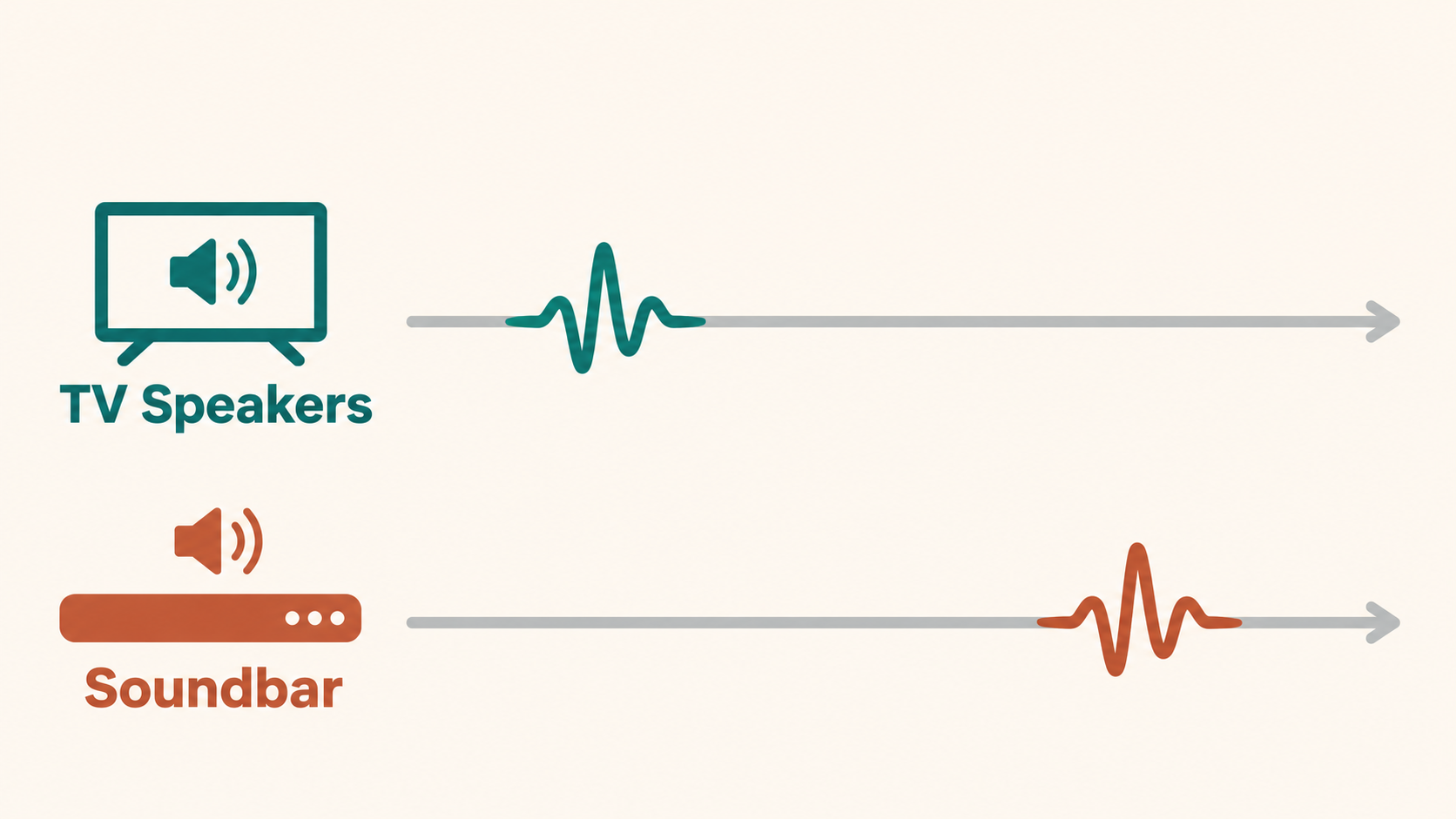
Two outputs can play the same voice with slightly different timing. That can make a single line sound doubled. To see whether both outputs are involved, replay the same line with just one output at a time:
- Select the TV speakers alone and listen to the line.
- Select the soundbar alone and replay it.
- If each sounds clear on its own but the echo returns when both play, use one output or check whether your setup has a supported mode that plays them together in sync.
If the soundbar alone is late compared with the actor’s lips, treat that as a separate audio sync issue. If you still hear an echo with only one output, the test does not point to the two speakers as the cause. Try another show or input before changing more settings.
Before buying: If hearing both devices is a must, verify the exact TV and soundbar combination in the manufacturer’s documentation. Ask which connection and output mode to use. A product listing that says “HDMI eARC” is not enough to confirm that feature.


